IPTV Subscription Guide: What You Get and How It Works
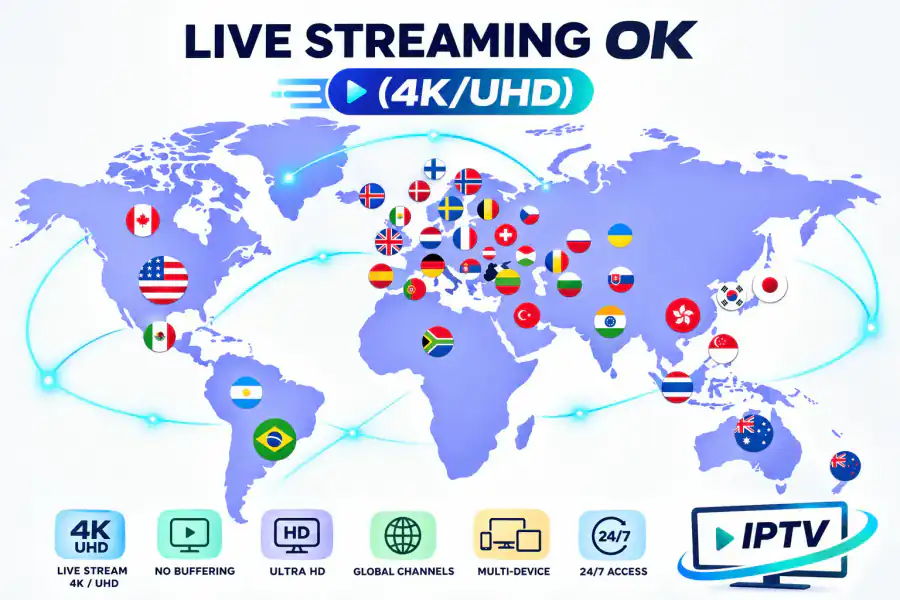
Buying an IPTV subscription is easy. Knowing what you are actually getting, from channel counts to device limits and billing, is where the confusion starts.
What an IPTV Subscription Actually Includes
A typical IPTV subscription bundles live television channels, an on-demand library of movies and series, and an electronic program guide into one account. You sign in on your devices and start watching immediately after activation.
The exact contents vary by provider. Some plans focus on live sports, others on international channels, and many offer a bit of everything. Before subscribing, read the plan description carefully so you know which resolution you are paying for and how many devices are included.
How Activation Works
Activation is usually fast. After payment, the provider creates your account and sends login details plus setup instructions, typically within minutes. You then enter those details in the provider's app or a compatible player.
If the provider requires you to install an app manually, follow the official steps and avoid random APK download sites. Our IPTV setup guide covers activation on Fire Stick, Smart TV, Android, and PC so you can skip the guesswork.
Devices and Simultaneous Streams
Most IPTV subscriptions allow one or more simultaneous connections depending on the plan. Check the device limit before subscribing, especially if your household watches on several TVs at once.
Supported devices typically include Fire TV Stick, Android boxes, Smart TVs, iOS, and web browsers. Confirm your devices are covered, because a plan that does not run on your main TV is not a bargain at any price.
Billing, Renewals, and Refunds
Understand how billing works before you commit. Monthly plans renew automatically, while longer plans are billed upfront. Confirm whether you can cancel anytime and what the refund policy is.
A provider that offers a money-back guarantee and standard card payments is easier to deal with than one that only accepts anonymous transfers. If a service refuses to discuss refunds, treat that as a strong warning sign.
Making the Most of Your Subscription
Once you are subscribed, use the EPG to plan your viewing, explore the on-demand library, and test the service across all your devices. If anything misbehaves, contact support while the trial or guarantee window is open.
If you are still comparing options, read our best IPTV service 2026 guide and check what a real IPTV free trial looks like before you pay for a full term.
Frequently Asked Questions
How long does IPTV activation take?
Most providers activate accounts within minutes of payment and send login details plus setup instructions. Some take up to a few hours.
How many devices can I use at once?
It depends on the plan. Many subscriptions include one or two simultaneous streams. Check the plan details before subscribing.
Can I cancel my IPTV subscription anytime?
Reputable providers allow cancellation anytime. Confirm the refund policy, especially during the first week, before you pay.
Start your subscription the easy way
Pick a plan, get activated in minutes, and start watching on any device.
View subscription plans